

customizing the display of promotions in the checkout
With the extension, the display of promotions in the checkout can be customized. For example, it is possible to select an alternative image at the promotion to be displayed in the checkout instead of the marketing icon. In addition, a description can be entered that is displayed below the name of th...
Third-party extension, added for convenience. Maestrino has no affiliation with the author.
This is an open-source extension, provided by its author under an open license. We strongly recommend checking out the author's work — and consider donating to the project if you can. Visit the author's project
About this extension
With the extension, the display of promotions in the checkout can be customized.
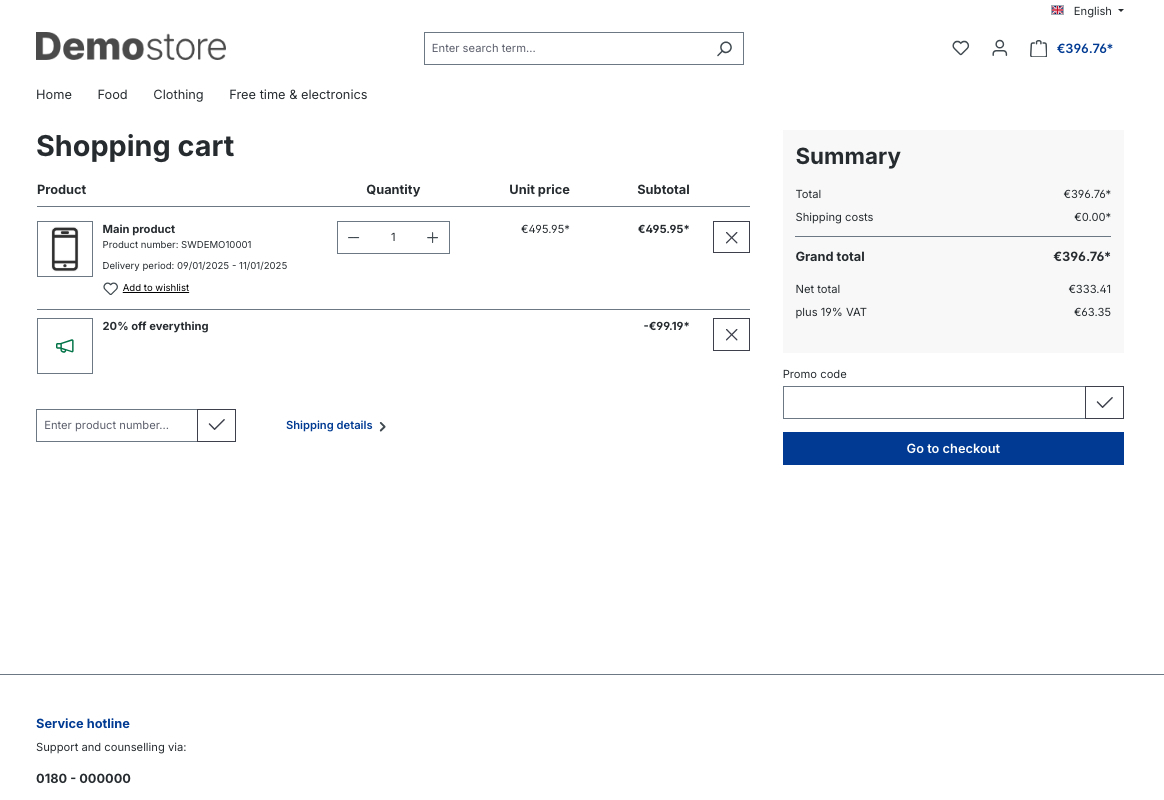
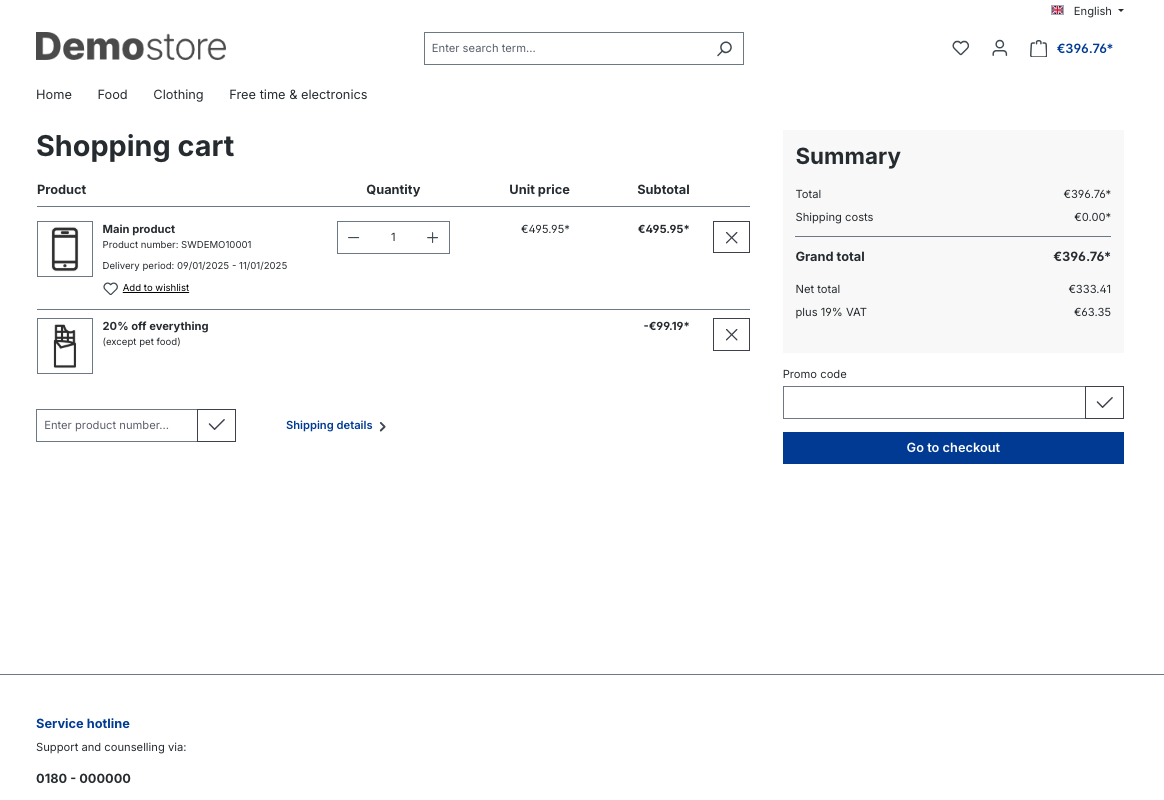
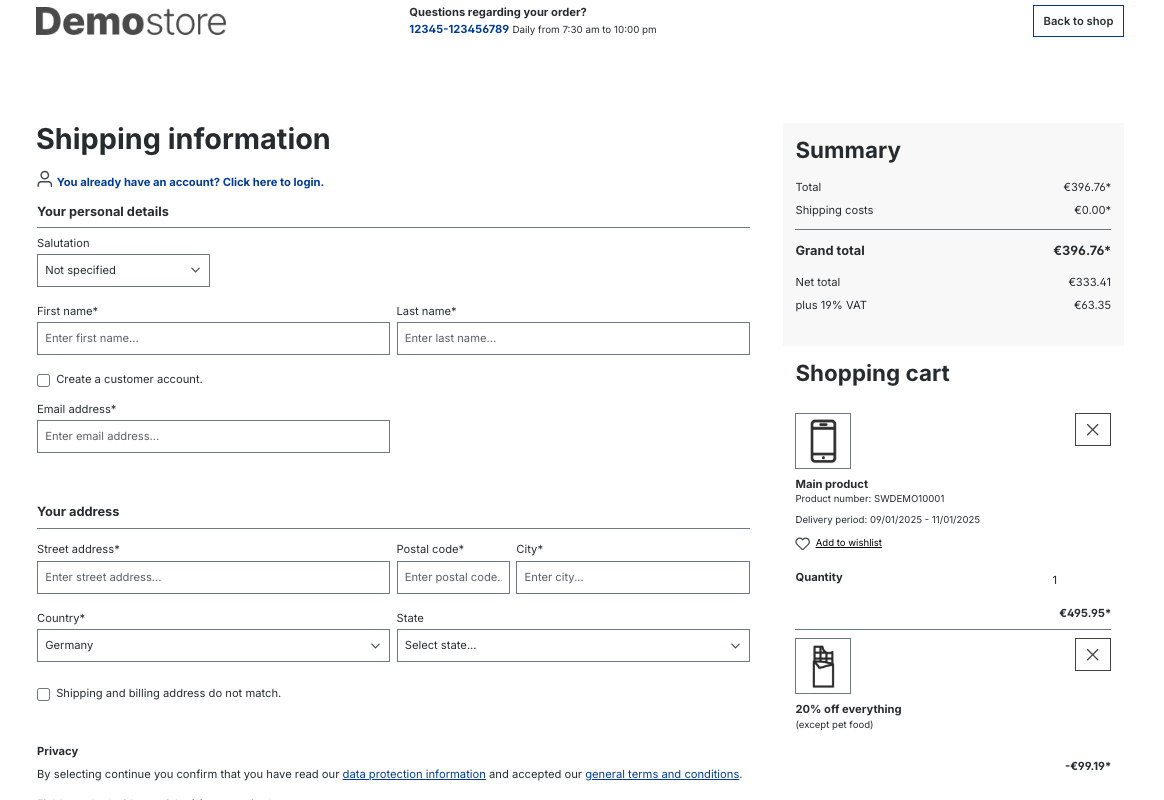
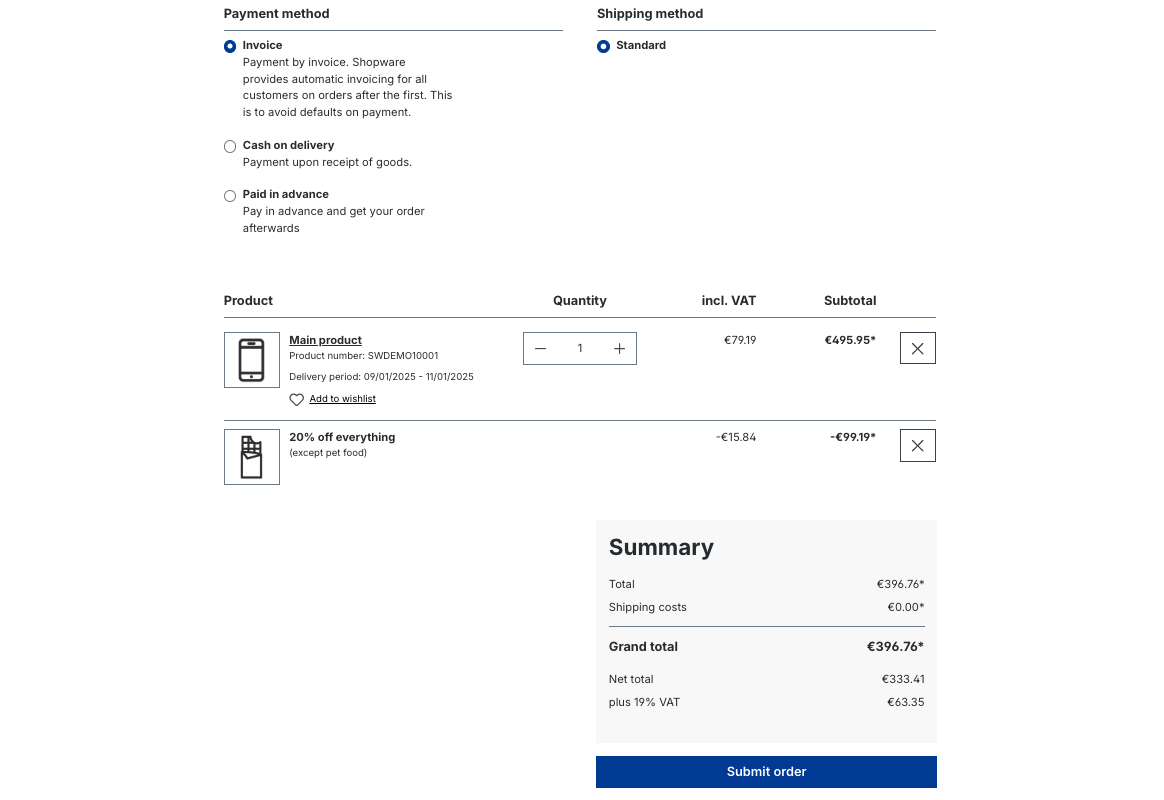
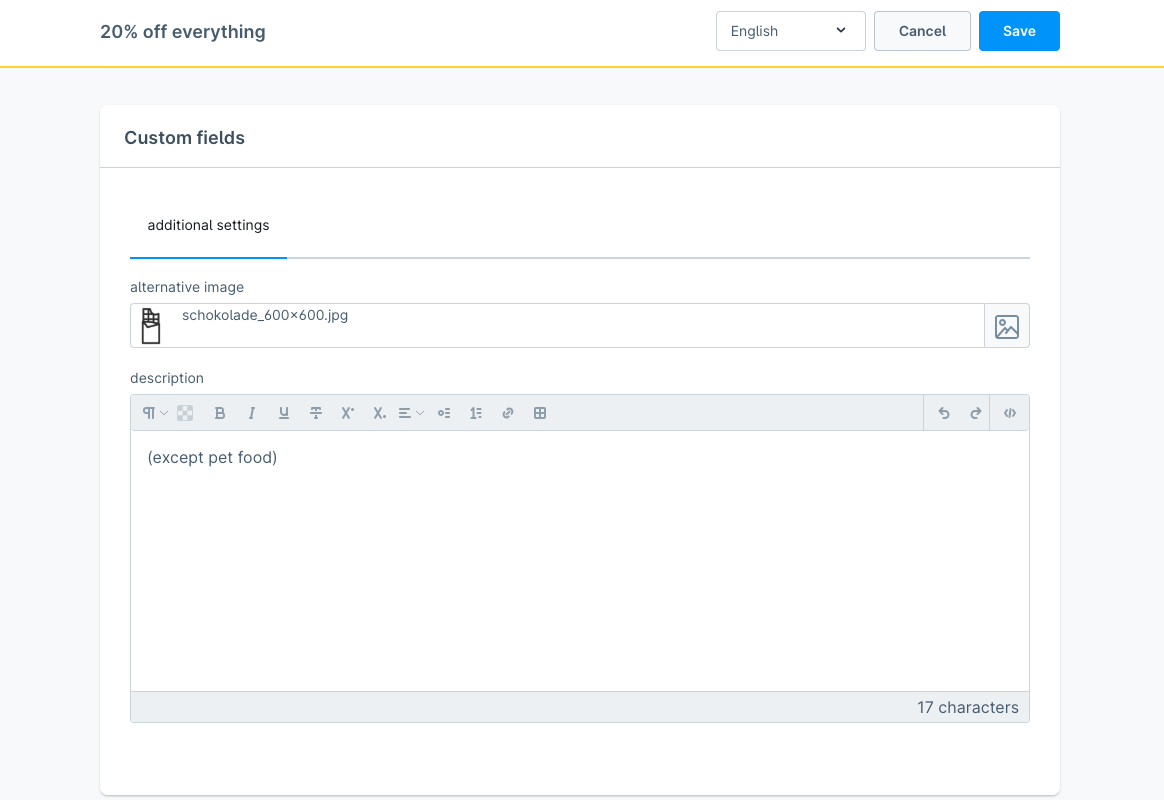
For example, it is possible to select an alternative image at the promotion to be displayed in the checkout instead of the marketing icon.
In addition, a description can be entered that is displayed below the name of the promotion and, for example, states the restrictions of the promotion again.
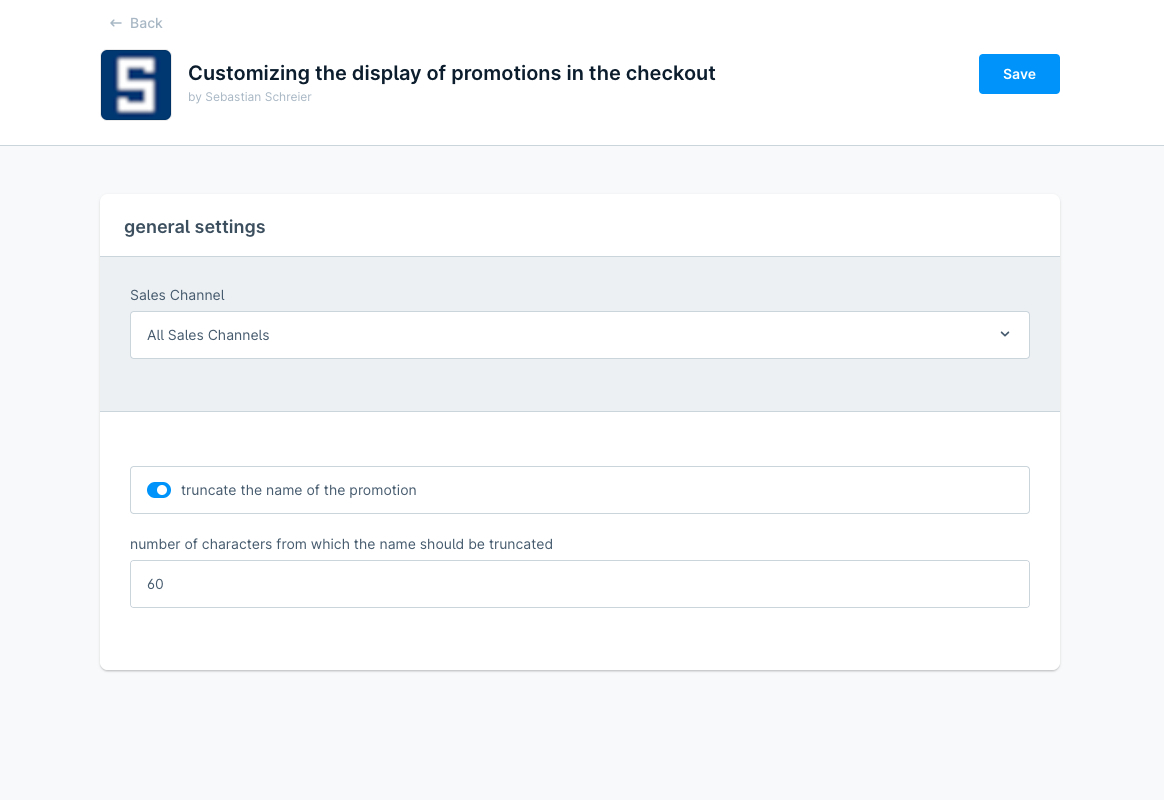
Furthermore, you can select within the configuration of the extension whether the name of the promotion should be truncated to 60 characters as in the Shopware 6 standard and if so, you can alternatively select a higher value for the truncating.
Possible configurations
- select if the name of the promotion should be truncated
- select the number of characters from which the name should be truncated
How to install the extension
via zip and console (recommended)
- Download the latest SschreierCustomizingDisplayPromotionsInCheckout-master.zip.
- Unzip the zip file and rename the folder to SschreierCustomizingDisplayPromotionsInCheckout.
- Move the folder to the project folder custom/plugins/ .
- Connect to the console via ssh:
bin/console plugin:refresh
bin/console plugin:install --activate SschreierCustomizingDisplayPromotionsInCheckout
via composer
- Add the repository URL to the composer.json of the project
"repositories": [
    ...,
    {
        "type": "vcs",
        "url": "https://github.com/sschreier/SschreierCustomizingDisplayPromotionsInCheckout"
    }
],
- Connect to the console via ssh and install the plugin via the command
composer require sschreier/sschreiercustomizingdisplaypromotionsincheckout
bin/console plugin:refresh
bin/console plugin:install --activate SschreierCustomizingDisplayPromotionsInCheckout
via https://packagist.org
- Connect to the console via ssh and install the plugin via the command
composer require sschreier/sschreiercustomizingdisplaypromotionsincheckout
bin/console plugin:refresh
bin/console plugin:install --activate SschreierCustomizingDisplayPromotionsInCheckout
via zip upload
- Download the latest SschreierCustomizingDisplayPromotionsInCheckout-master.zip.
- Unzip the zip file and rename the folder to SschreierCustomizingDisplayPromotionsInCheckout.
- Zip the folder to SschreierCustomizingDisplayPromotionsInCheckout.zip.
- Upload the zip in the Shopware Administration.
- Install & Activate the extension.
extension update (zip)
- Download the latest SschreierCustomizingDisplayPromotionsInCheckout-master.zip.
- Unzip the zip file and rename the folder to SschreierCustomizingDisplayPromotionsInCheckout.
- Zip the folder to SschreierCustomizingDisplayPromotionsInCheckout.zip.
- Upload the zip in the Shopware Administration.
- Update the extension.
Images
default
alternative image and description for a promotion in the shopping cart
alternative image and description for a promotion on the checkout register page
alternative image and description for a promotion on the confirm page
extension configuration
alternative image and description for a promotion within the custom fields of a promotion
Reviews
No reviews yet. Customers who have licensed this extension can leave the first one.
Only customers who have licensed this extension can write a review. Write yours from your dashboard.
No account needed — download directly, or subscribe to manage it in your workspace.
View this on GitHubInstall via Composer without an account
composer require sschreier/sschreiercustomizingdisplaypromotionsincheckout
Subscribing also keeps you informed about updates, and lets the provider reach you when needed.
We will bring you straight back here.
Links
No account needed — download directly, or subscribe to manage it in your workspace.
View this on GitHubInstall via Composer without an account
composer require sschreier/sschreiercustomizingdisplaypromotionsincheckout
Subscribing also keeps you informed about updates, and lets the provider reach you when needed.
We will bring you straight back here.