

bar for information and notification texts or messages
An extension for a bar for information and notification texts or messages which can contain up to 4 areas. It can be displayed either in the top bar or in the footer bar or also above or below the breadcrumb navigation.
Third-party extension, added for convenience. Maestrino has no affiliation with the author.
This is an open-source extension, provided by its author under an open license. We strongly recommend checking out the author's work — and consider donating to the project if you can. Visit the author's project
About this extension
An extension for a bar for information and notification texts or messages which can contain up to 4 areas. It can be displayed either in the top bar or in the footer bar or also above or below the breadcrumb navigation.
Possible Configurations for the bar
- show the content in a top or footer bar or above or below the breadcrumb navigation
- set the background color of the area (*1)
- set the shadow of the area (*1)
- set the outer distance of the area up- and downwards in pixels or percent (*1)
- set the distance of the areas up- and downwards in pixels or percent (*1)
- activate, if you want 50% width of the areas in the viewport smartphone landscape (SM)
Possible Configurations for each of the possible four areas of the bar
- show the area
- select the viewports in which the area should be shown
- select, if the icon should be shown
- select, if the icon should obtain from the select field or a snippet
- select the icon from the select field (which you can find here: https://github.com/shopware/shopware/tree/trunk/src/Storefront/Resources/app/storefront/dist/assets/icon/default or https://developer.shopware.com/resources/meteor-icon-kit/)
- set the icon via snippet
- set the icon color and hover icon color (*1)
- set the icon width and height in pixels (*1)
- set the distance between the icon and the content (*1)
- set the font color and hover font color of the content (*1)
- set the font size of the content in pixels (*1)
- select, if the content should obtain from the text editor or a snippet
- set the content via the text editor
- set the content via snippet
- select the position of the content, for example icon on the left and content on the right or icon on the right and content on the left
- select the orientation of the area (left, center or right)
- set a link for the area
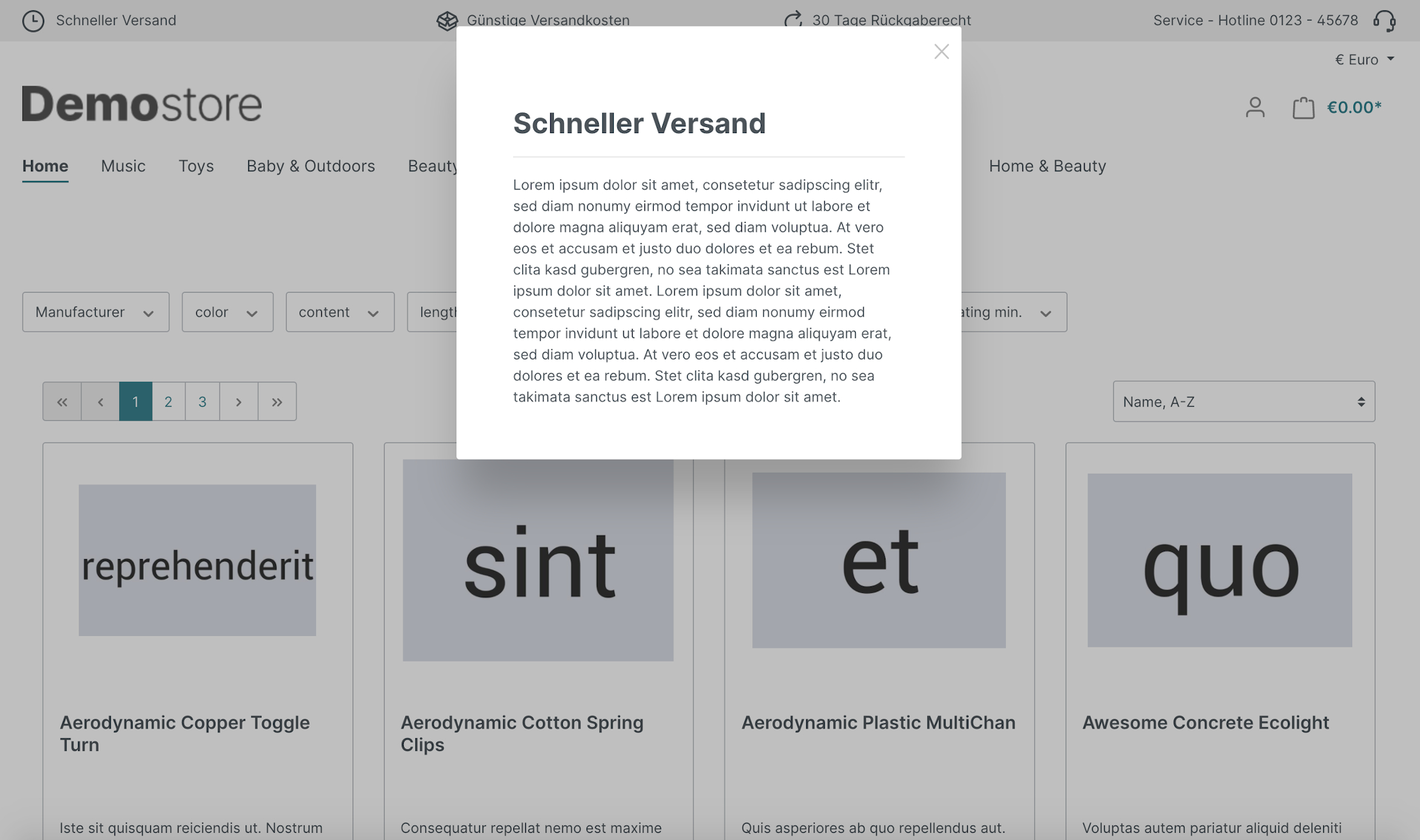
- select the link target of the area, for example in the current tab, in a new tab or in a modalbox
Available snippets to customize the content or the icons
- ContentTextEditorTopBarArea1
- ContentTextEditorTopBarArea2
- ContentTextEditorTopBarArea3
- ContentTextEditorTopBarArea4
- ContentTopBarArea1
- ContentTopBarArea2
- ContentTopBarArea3
- ContentTopBarArea4
- IconTopBarArea1
- IconTopBarArea2
- IconTopBarArea3
- IconTopBarArea4
Some changes in the settings within the configuration are not immediately visible in the frontend of the shop
After changing settings specifically for the appearance of the areas (*1), the theme must be recompiled, for example by saving the theme in the administration:
- Switch to "Content" and "Themes"
- Select the active theme
- Click on the button "Save"
How to install the extension
via zip and console (recommended)
- Download the latest SschreierTopbarNotifications-master.zip.
- Unzip the zip file and rename the folder to SschreierTopbarNotifications.
- Move the folder to the project folder custom/plugins/ .
- Connect to the console via ssh:
bin/console plugin:refresh
bin/console plugin:install --activate SschreierTopbarNotifications
via composer
- Add the repository URL to the composer.json of the project
"repositories": [
    ...,
    {
        "type": "vcs",
        "url": "https://github.com/sschreier/SschreierTopbarNotifications"
    }
],
- Connect to the console via ssh and install the plugin via the command
composer require sschreier/sschreiertopbarnotifications
bin/console plugin:refresh
bin/console plugin:install --activate SschreierTopbarNotifications
via https://packagist.org
- Connect to the console via ssh and install the plugin via the command
composer require sschreier/sschreiertopbarnotifications
bin/console plugin:refresh
bin/console plugin:install --activate SschreierTopbarNotifications
via zip upload
- Download the latest SschreierTopbarNotifications-master.zip.
- Unzip the zip file and rename the folder to SschreierTopbarNotifications.
- Zip the folder to SschreierTopbarNotifications.zip.
- Upload the zip in the Shopware Administration.
- Install & Activate the extension.
extension update (zip)
- Download the latest SschreierTopbarNotifications-master.zip.
- Unzip the zip file and rename the folder to SschreierTopbarNotifications.
- Zip the folder to SschreierTopbarNotifications.zip.
- Upload the zip in the Shopware Administration.
- Update the extension.
Images
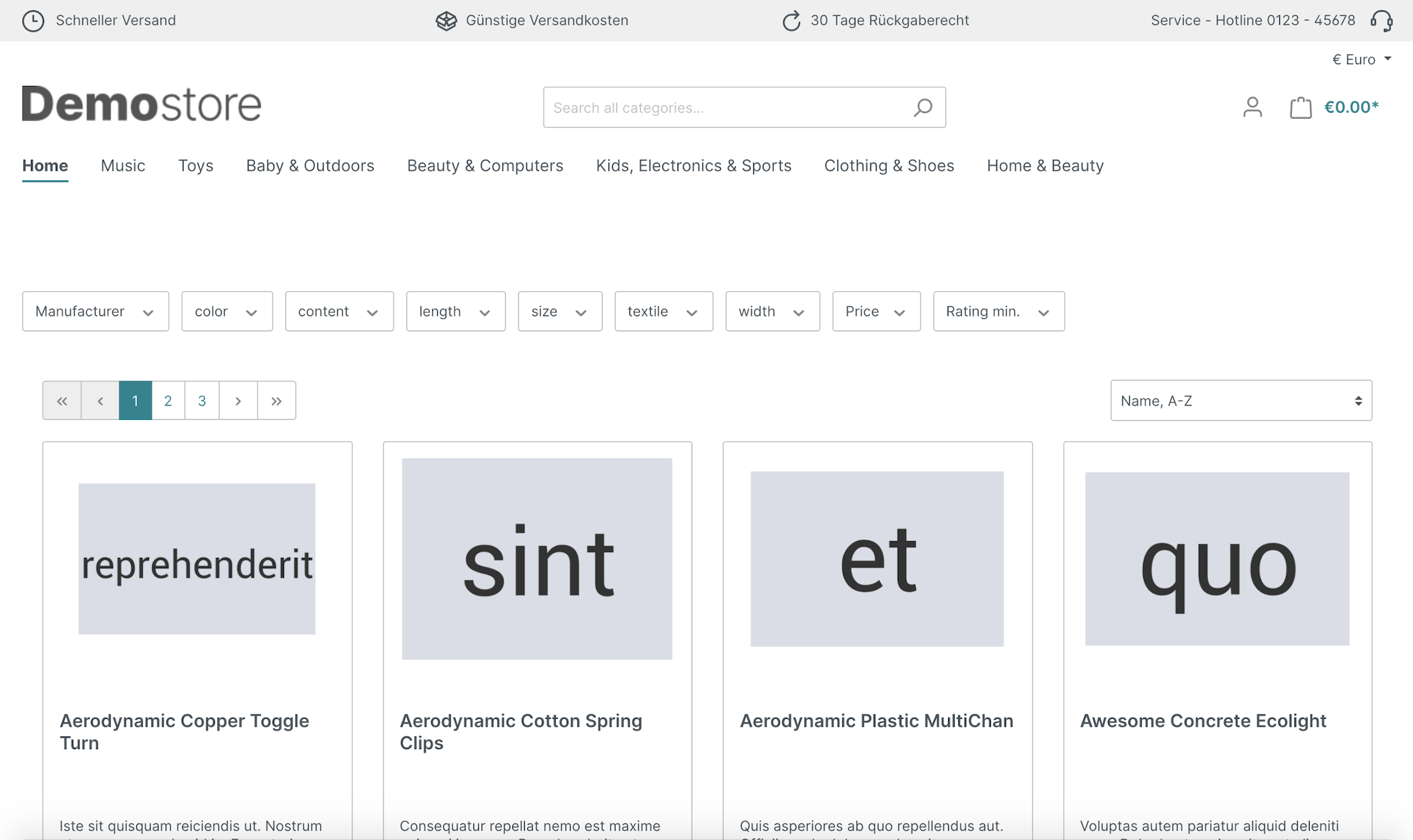
top bar with four areas
top bar with four areas, first area is linked with a modal box
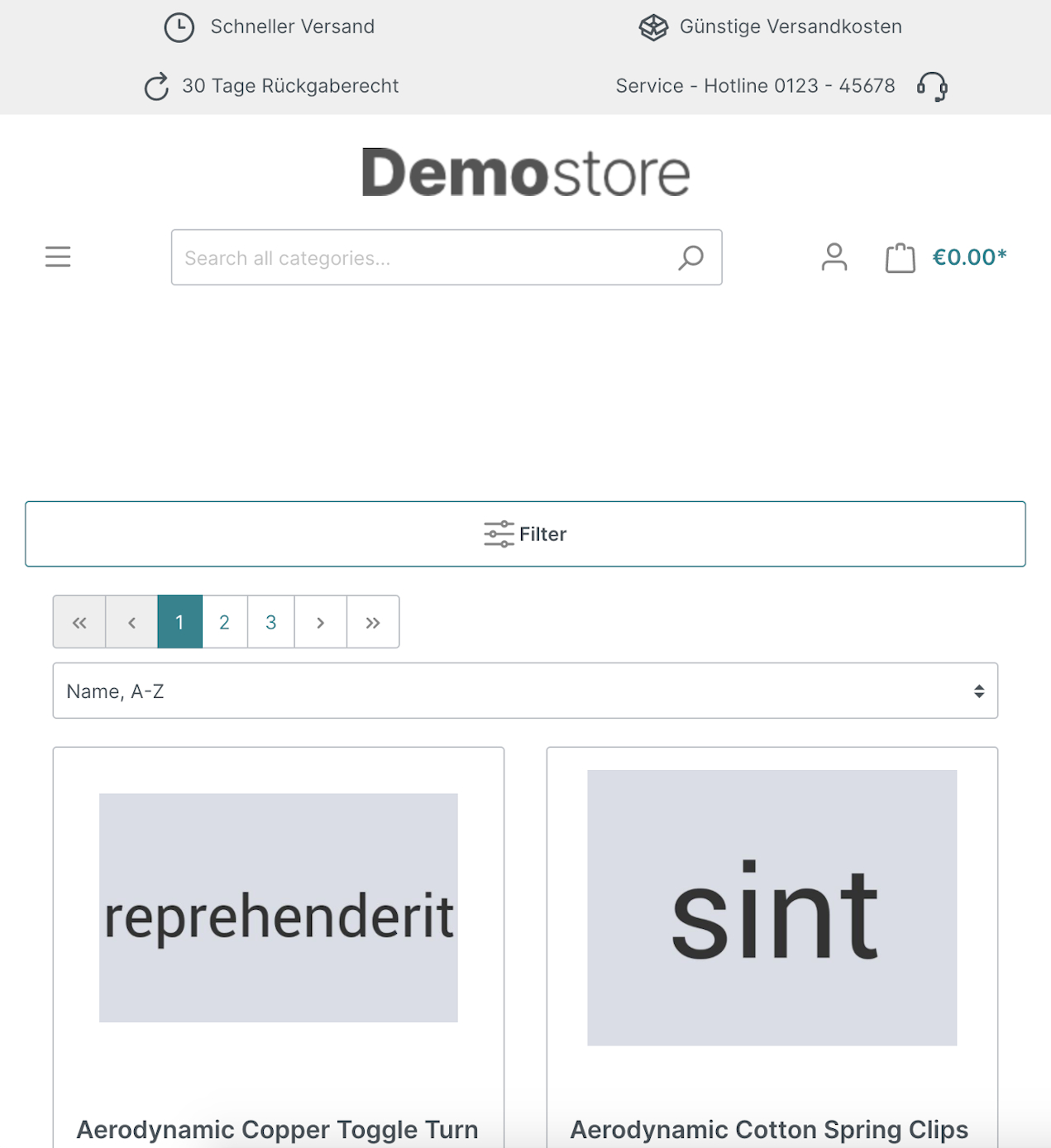
top bar with four areas in a smaller viewport
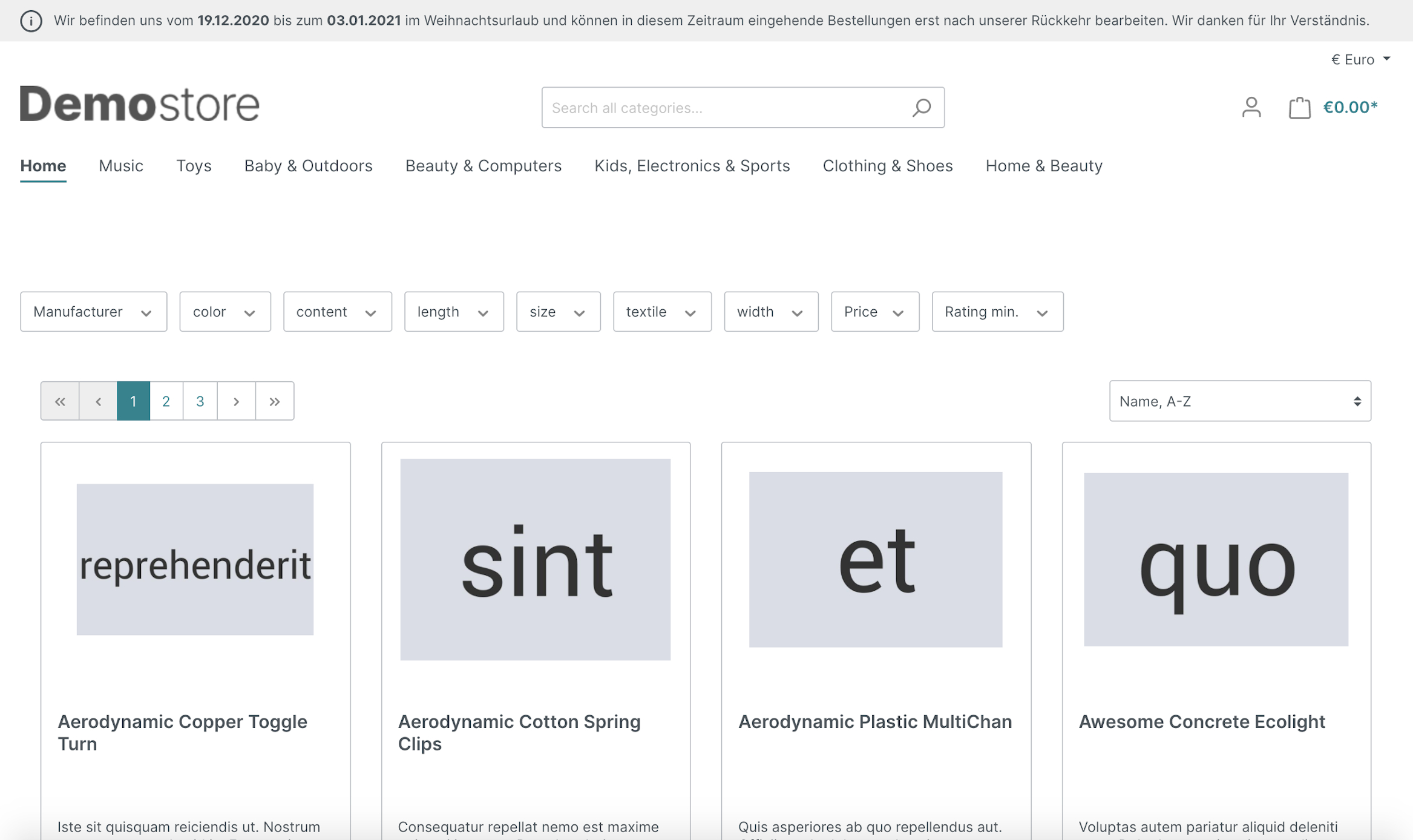
top bar with only one area
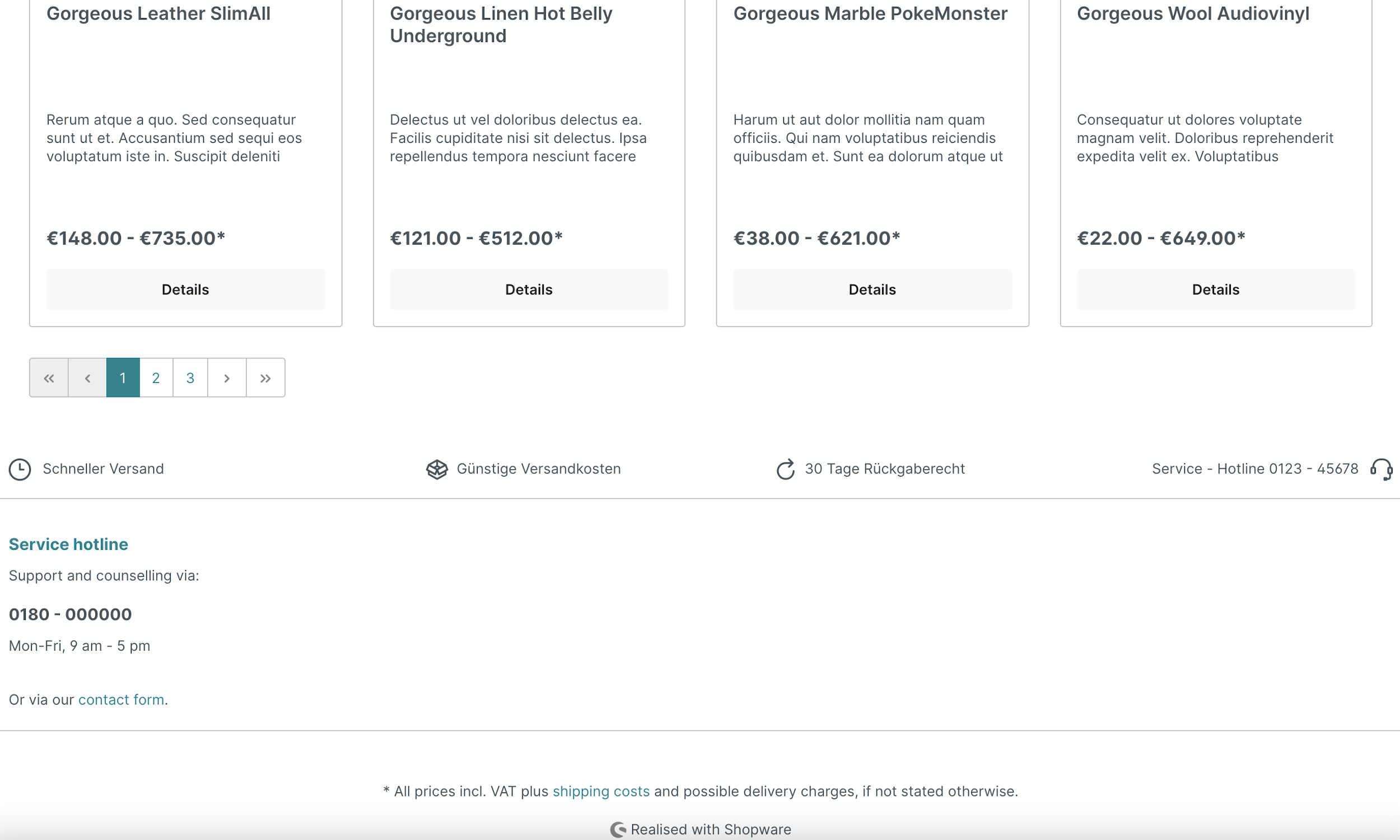
footer bar with four areas
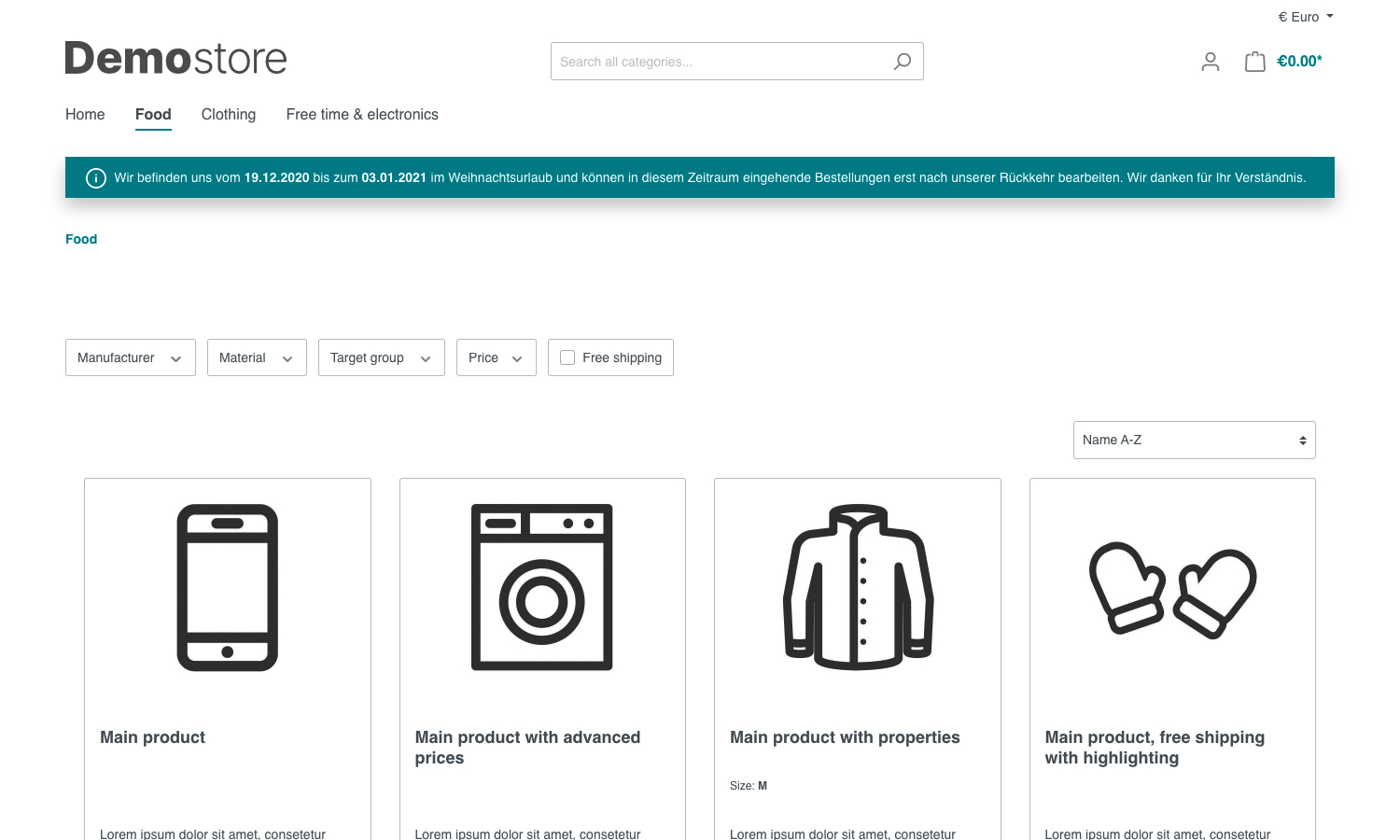
bar with only one area above the breadcrumb navigation
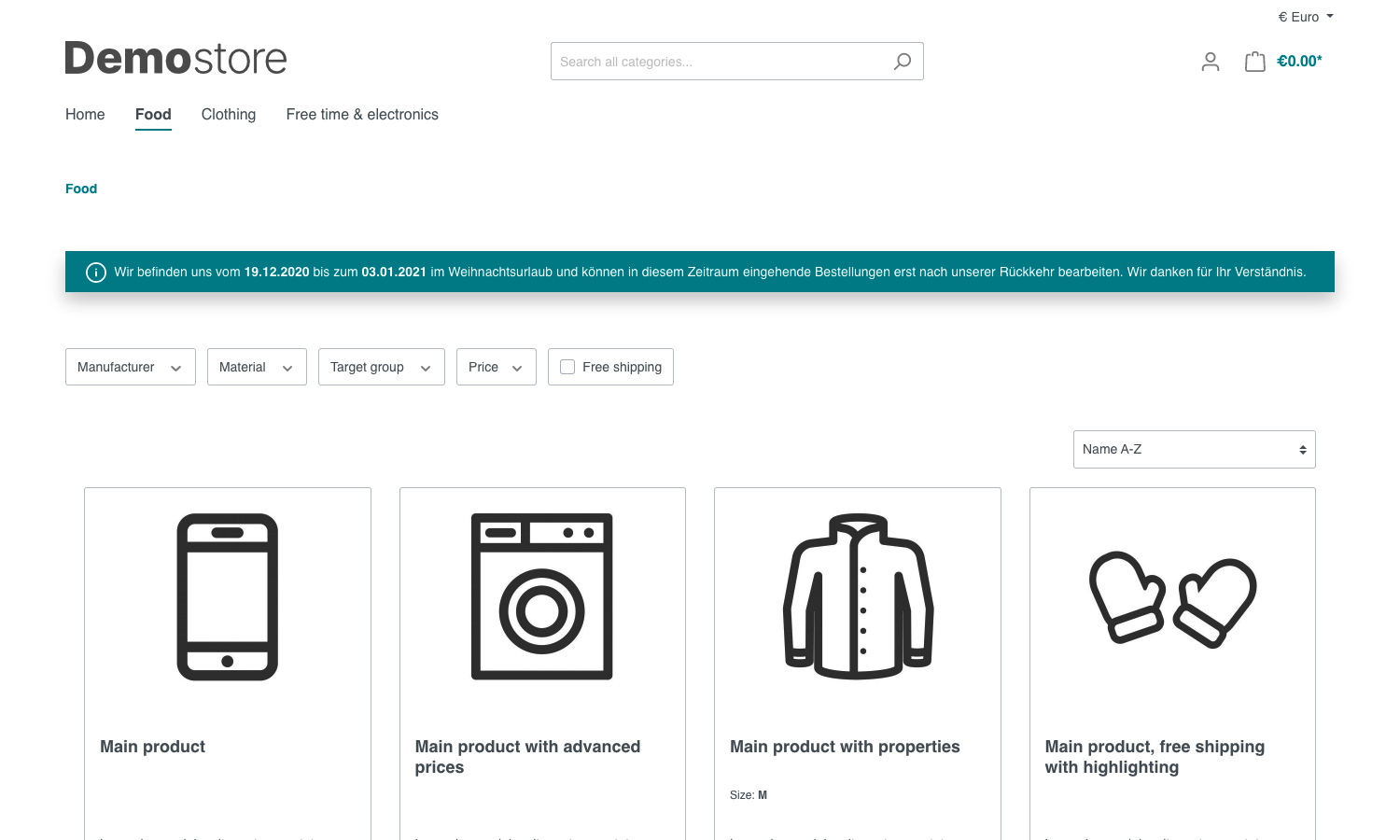
bar with only one area below the breadcrumb navigation
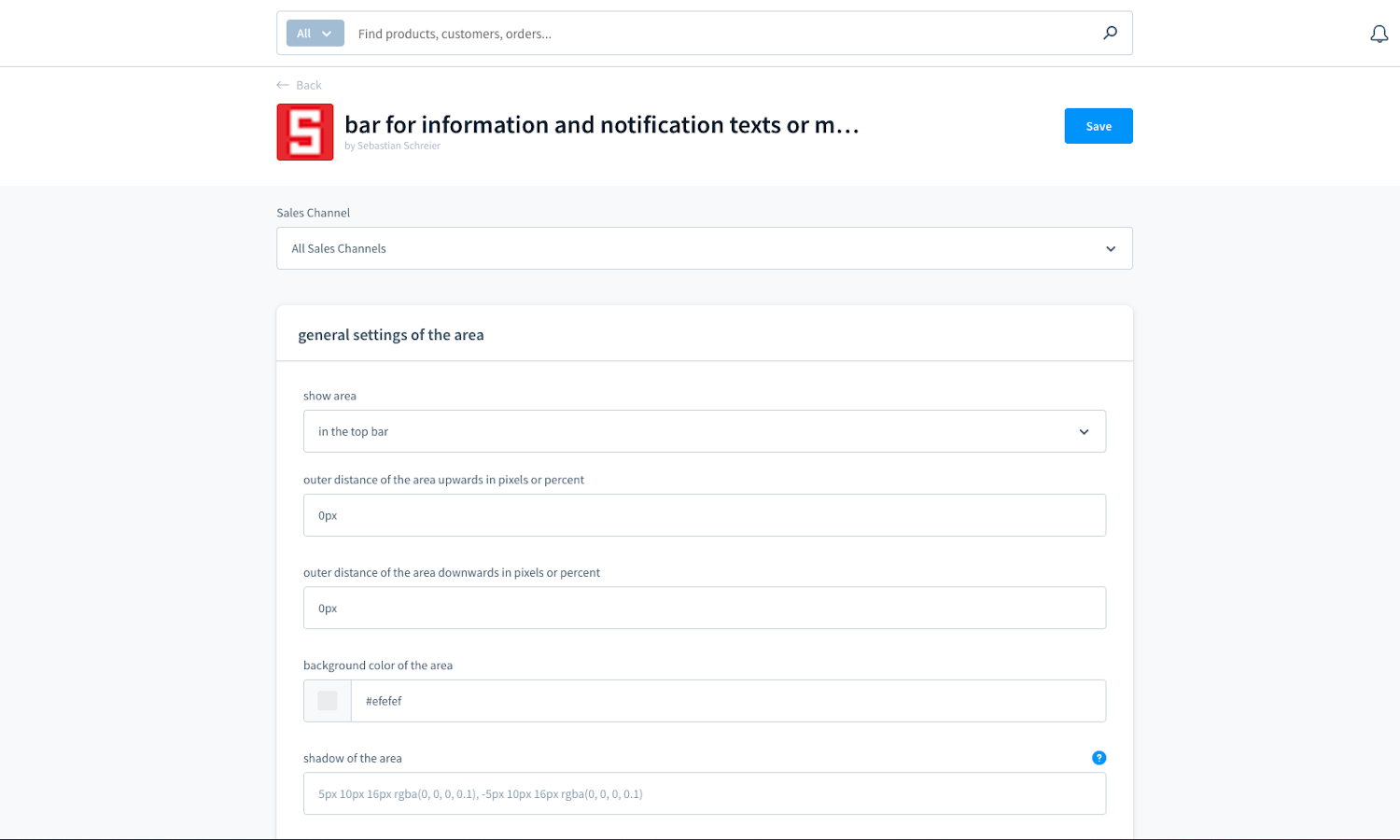
extension configuration - top bar part 1
extension configuration - top bar part 2
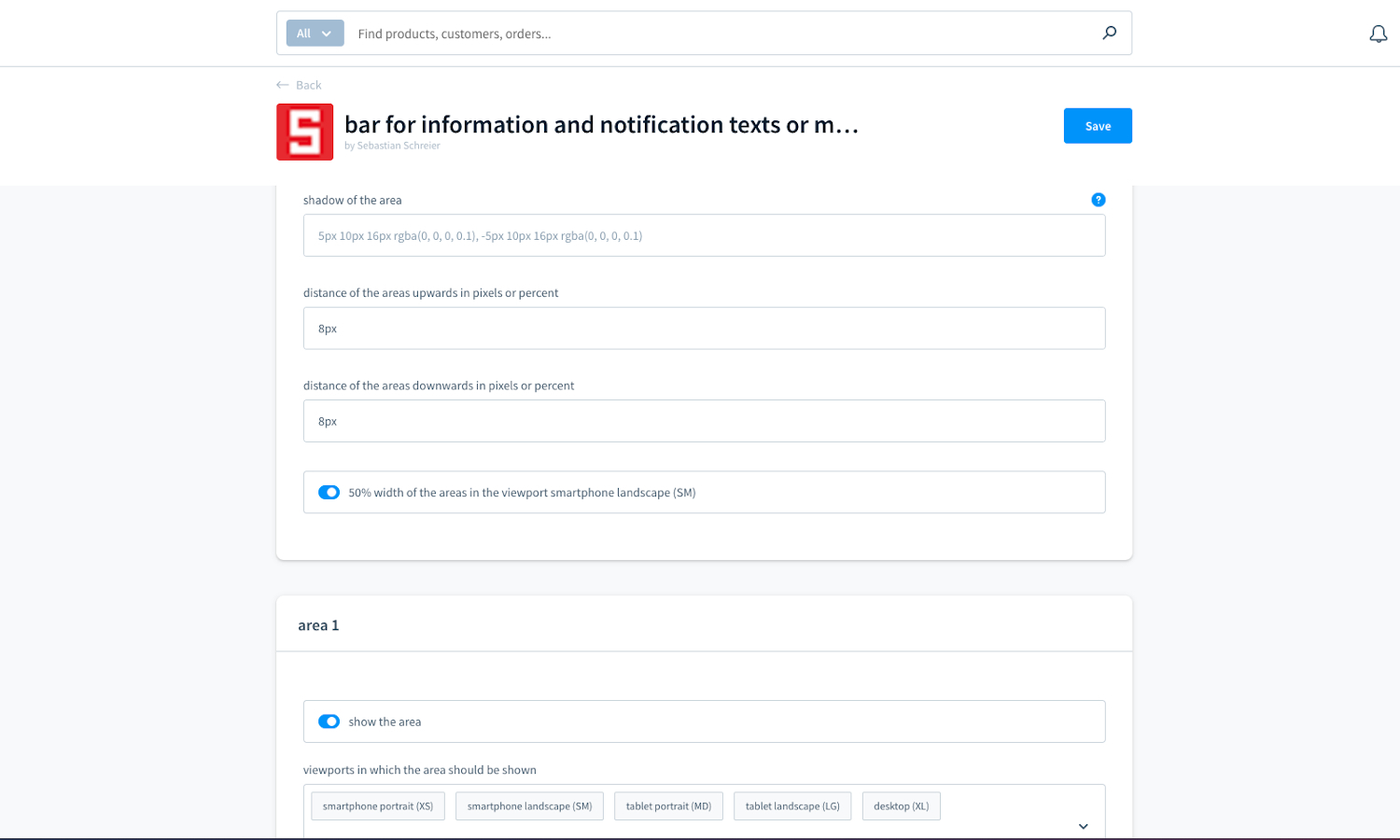
extension configuration - area 1 part 1
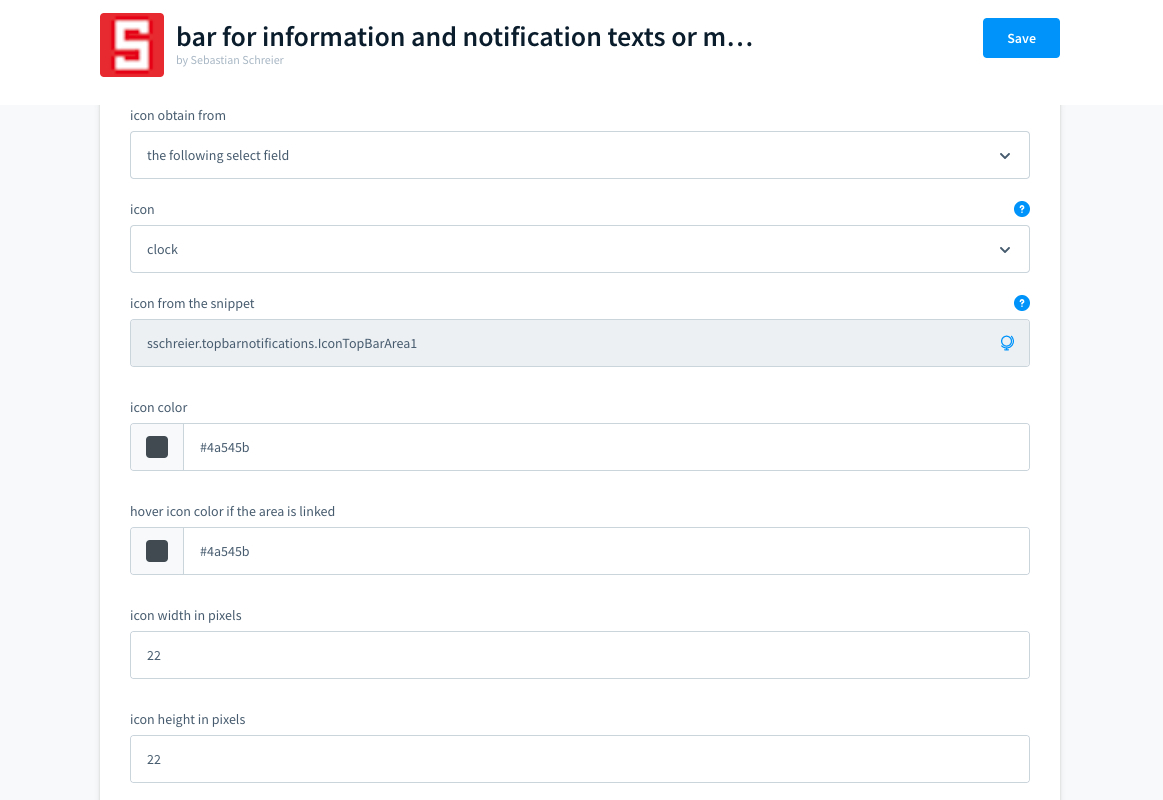
extension configuration - area 1 part 2
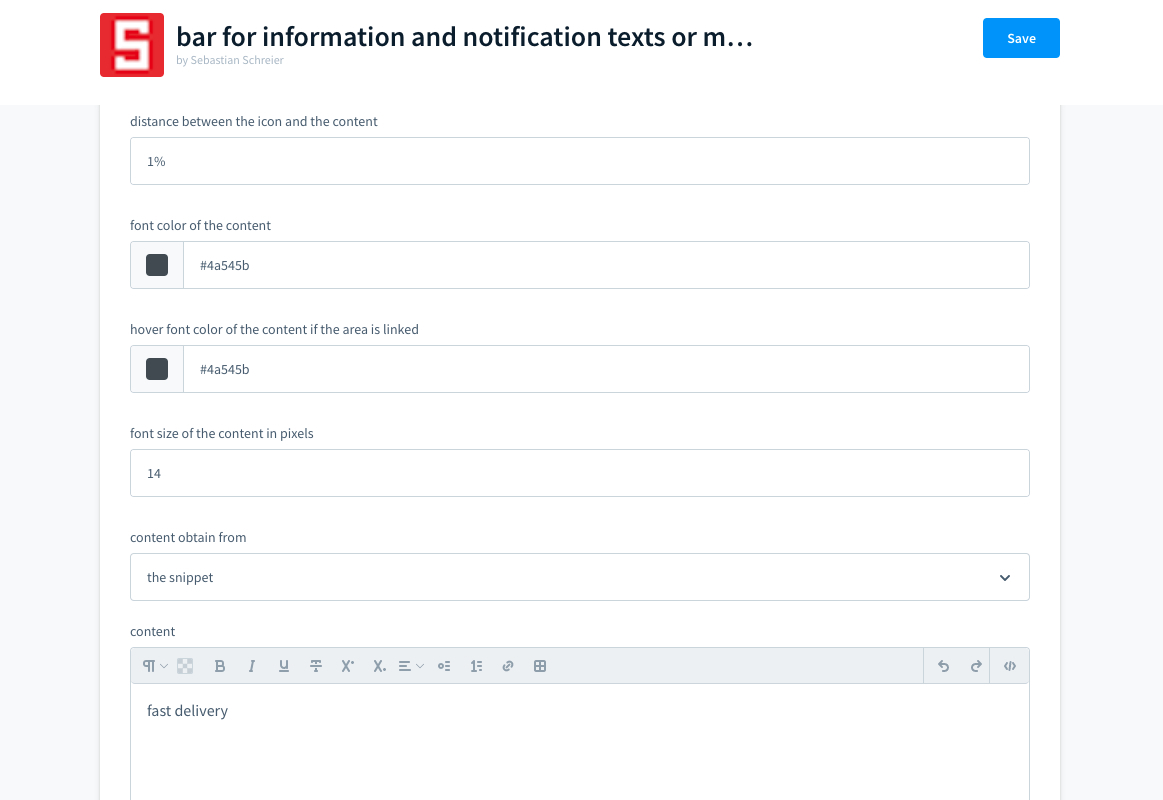
extension configuration - area 1 part 3
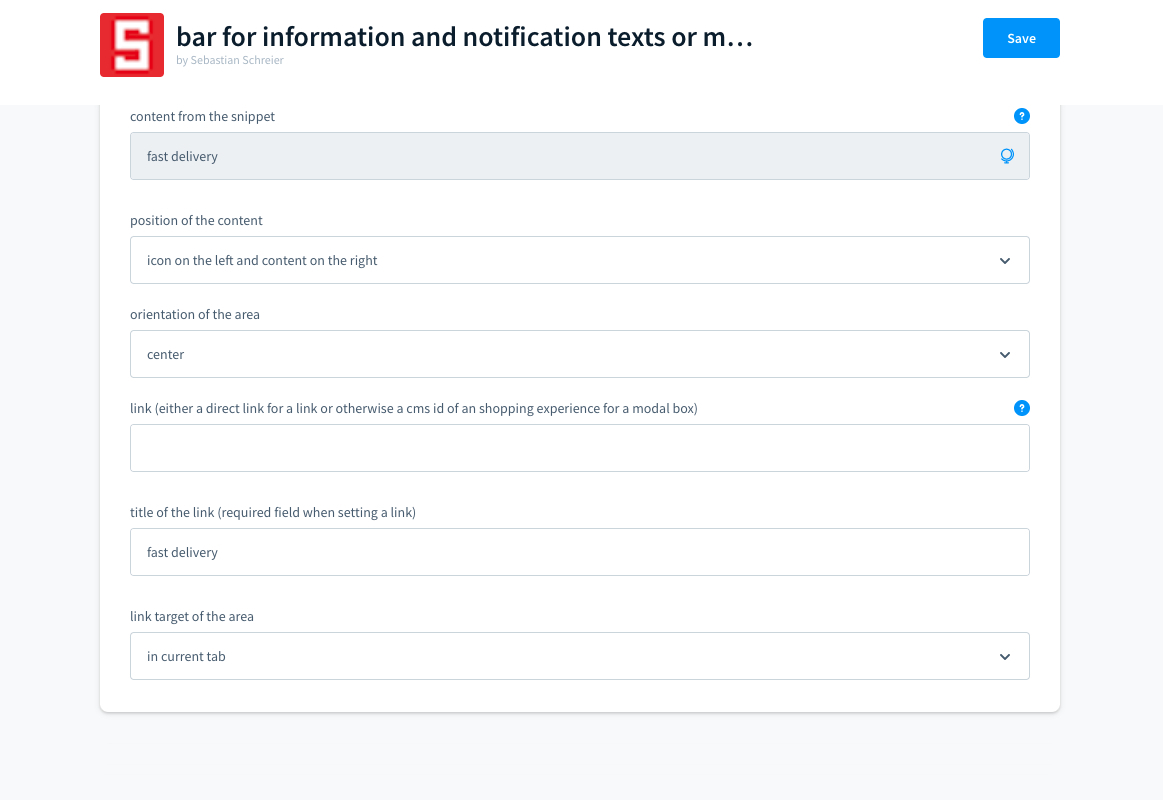
Reviews
No reviews yet. Customers who have licensed this extension can leave the first one.
Only customers who have licensed this extension can write a review. Write yours from your dashboard.
No account needed — download directly, or subscribe to manage it in your workspace.
View this on GitHubInstall via Composer without an account
composer require sschreier/sschreiertopbarnotifications
Subscribing also keeps you informed about updates, and lets the provider reach you when needed.
We will bring you straight back here.
Links
No account needed — download directly, or subscribe to manage it in your workspace.
View this on GitHubInstall via Composer without an account
composer require sschreier/sschreiertopbarnotifications
Subscribing also keeps you informed about updates, and lets the provider reach you when needed.
We will bring you straight back here.